
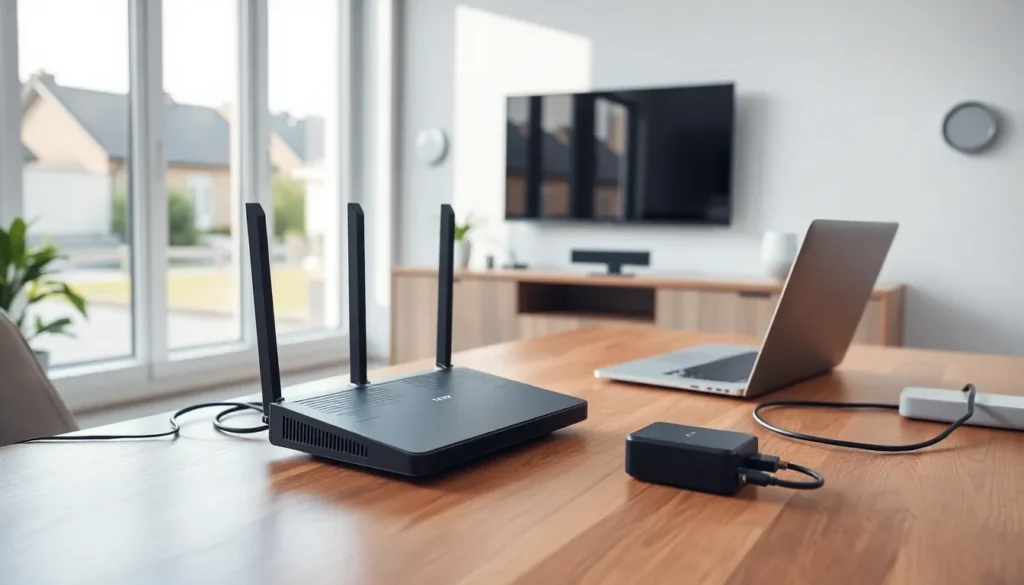

Home networking connects all devices in a household to share internet access, files, and resources. Whether someone streams movies on a smart TV, prints documents from a laptop, or controls smart home gadgets, a home network makes it possible. Understanding what home networking is helps users build a reliable setup that meets their daily needs.
This guide breaks down how home networks work, what components they require, and how to choose between wired and wireless options. By the end, readers will have a clear picture of how to connect their devices efficiently.
Table of Contents
ToggleKey Takeaways
- Home networking connects all household devices to share internet access, files, printers, and resources through a single setup.
- A modem and router form the core of any home network—the modem connects to your ISP while the router distributes the connection to devices.
- Wired connections offer stable speeds and low latency, while wireless networks provide flexibility for mobile devices.
- Essential components include a modem, router, Ethernet cables, and optional devices like switches, access points, or NAS for expanded functionality.
- A well-configured home network supports smart home devices, 4K streaming, remote work, and centralized file storage for the entire household.
- Most homes benefit from a hybrid approach, using wired connections for stationary devices and Wi-Fi for smartphones and tablets.
How Home Networks Work
A home network connects multiple devices so they can communicate with each other and access the internet. The process starts with an internet service provider (ISP) delivering a connection to the home through a modem. The modem translates the ISP’s signal into data that devices can use.
From there, a router distributes this connection to all connected devices. The router acts as a traffic controller, it assigns each device a unique IP address and manages data flow between them. When a user sends an email or streams a video, the router directs packets of data to the right destination.
Home networking relies on protocols like TCP/IP to ensure devices speak the same language. These protocols standardize how data gets packaged, sent, and received. Without them, a smartphone couldn’t request a webpage from a server, and the server couldn’t send the information back.
Most modern home networks also include a firewall, either built into the router or as separate software. Firewalls filter incoming and outgoing traffic to block unauthorized access. This layer of security keeps personal data safer from outside threats.
In short, home networking creates a private digital ecosystem. Devices inside the network can share printers, stream media to each other, and access shared storage, all while maintaining a single internet connection.
Essential Components of a Home Network
Building a functional home network requires a few key pieces of hardware. Here’s what most setups include:
Modem
The modem connects the home to the ISP. Cable, DSL, and fiber connections each require a compatible modem type. Some ISPs provide modems as part of their service, while others let customers purchase their own.
Router
The router distributes the internet connection to multiple devices. It can do this through wired Ethernet ports or wireless signals (Wi-Fi). Many routers today combine both functions and include built-in security features.
Network Switch
A switch expands the number of available Ethernet ports. If a home has more wired devices than the router can handle, a switch plugs into one of the router’s ports and provides additional connections.
Access Points
Access points extend Wi-Fi coverage to areas the router can’t reach. Large homes or buildings with thick walls often need one or more access points to eliminate dead zones. Mesh Wi-Fi systems work on this same principle, using multiple units to blanket a space with signal.
Ethernet Cables
For wired connections, Ethernet cables carry data between devices and the router or switch. Cat5e and Cat6 cables are common choices, they support speeds up to 1 Gbps or higher.
Network-Attached Storage (NAS)
A NAS device provides centralized file storage accessible to all devices on the home network. Users can back up computers, store media libraries, and share documents without relying on cloud services.
Each component plays a specific role. Together, they form the backbone of any home networking setup.
Wired vs. Wireless Home Networks
Home networking offers two main connection types: wired and wireless. Each has distinct advantages, and many households use a combination of both.
Wired Networks
Wired connections use Ethernet cables to link devices directly to the router or switch. This method delivers consistent speeds and low latency, making it ideal for gaming consoles, desktop computers, and streaming devices that stay in one place.
Benefits of wired home networking include:
- Stable performance: No interference from walls, appliances, or neighboring networks
- Faster speeds: Ethernet often outperforms Wi-Fi, especially over longer distances
- Lower latency: Critical for online gaming and video calls
- Better security: Physical connections are harder to intercept than wireless signals
The downside? Cables require installation. Running Ethernet through walls or across rooms takes time and effort.
Wireless Networks
Wireless home networks use Wi-Fi to connect devices without cables. Smartphones, tablets, laptops, and smart home gadgets typically rely on Wi-Fi because they move around or lack Ethernet ports.
Advantages of wireless networking include:
- Convenience: Devices connect from anywhere within range
- Flexibility: Easy to add new devices without extra hardware
- Clean setup: No cables cluttering floors or walls
But, Wi-Fi speeds can fluctuate based on distance from the router, physical obstacles, and interference from other electronics. Newer standards like Wi-Fi 6 and Wi-Fi 6E address some of these limitations with faster speeds and better performance in crowded environments.
For most homes, a hybrid approach works best. Stationary devices benefit from wired connections, while mobile devices rely on Wi-Fi.
Benefits of Setting Up a Home Network
A well-designed home network offers more than just internet access. It creates a connected environment where devices work together seamlessly.
Shared Internet Access
The most obvious benefit is shared internet. One ISP connection serves every device in the household, computers, phones, tablets, smart TVs, and gaming systems. Without a home network, each device would need its own separate connection.
File and Printer Sharing
Home networking allows users to share files between devices without email or USB drives. A document saved on one computer becomes accessible from another. Similarly, a single printer can serve every device on the network, saving money and space.
Centralized Storage
With a NAS or shared drive, families can store photos, videos, and backups in one location. Everyone accesses the same library, and important files stay protected through automatic backups.
Smart Home Integration
Smart thermostats, security cameras, voice assistants, and lighting systems all connect through the home network. A strong network ensures these devices respond quickly and stay online.
Entertainment Streaming
Streaming 4K video, music, and games requires reliable bandwidth. A home network distributes that bandwidth efficiently, reducing buffering and lag. Some setups even allow users to stream content from a local server to any TV in the house.
Remote Work and Learning
Home networking supports video conferencing, cloud applications, and online collaboration tools. A stable network makes remote work and virtual classrooms run smoothly.
Setting up a home network takes some initial effort, but the payoff is significant. Devices communicate faster, resources get shared efficiently, and the entire household benefits from a connected experience.


