
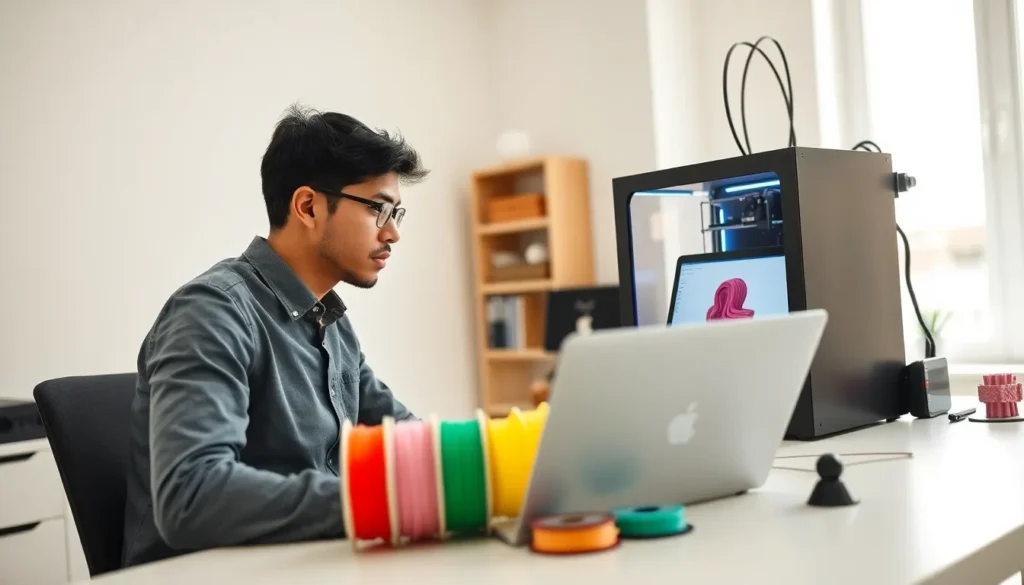

This 3D printing guide covers everything beginners need to know before creating their first object. 3D printing transforms digital designs into physical items layer by layer. The technology has become more accessible, affordable, and user-friendly in recent years. Hobbyists, educators, and small business owners now use 3D printers to create prototypes, custom parts, and artistic projects.
Whether someone wants to print replacement parts, create gifts, or start a small business, this guide provides the foundation. Readers will learn how 3D printing works, which printer types suit beginners, what materials to use, and how to troubleshoot common problems.
Table of Contents
ToggleKey Takeaways
- 3D printing builds objects layer by layer from digital files, making it accessible for hobbyists, educators, and small business owners.
- Beginners should start with an FDM printer and PLA filament for the easiest learning experience and lowest cost.
- Proper bed leveling and using preset slicer profiles are essential for successful first prints.
- Common 3D printing problems like warping, stringing, and poor bed adhesion can be fixed by adjusting temperature, retraction, and leveling settings.
- Store filament in airtight containers with silica gel to prevent moisture absorption and print quality issues.
- Start with simple models from repositories like Thingiverse before attempting complex designs with overhangs or supports.
What Is 3D Printing and How Does It Work?
3D printing, also called additive manufacturing, creates three-dimensional objects from digital files. The process builds objects layer by layer, adding material rather than cutting it away. This approach differs from traditional manufacturing methods like milling or carving.
The 3D printing process follows these basic steps:
- Design creation – Users create or download a 3D model using CAD software or online repositories like Thingiverse.
- Slicing – Slicing software converts the 3D model into instructions the printer can follow. It divides the object into thin horizontal layers.
- Printing – The printer deposits material layer by layer according to the sliced instructions.
- Post-processing – The finished print may need support removal, sanding, or painting.
Most consumer 3D printers use one of two methods: Fused Deposition Modeling (FDM) or Stereolithography (SLA). FDM printers melt plastic filament and extrude it through a heated nozzle. SLA printers use UV light to cure liquid resin into solid layers. Both methods produce accurate results, though they serve different purposes.
Understanding how 3D printing works helps users choose the right equipment and troubleshoot problems. The technology rewards patience and practice.
Types of 3D Printers for Beginners
Beginners should understand the main 3D printer types before purchasing their first machine. Each type offers distinct advantages depending on budget, intended use, and experience level.
FDM Printers
FDM (Fused Deposition Modeling) printers remain the most popular choice for beginners. They work by melting plastic filament and depositing it through a nozzle. These machines cost less than other types, typically ranging from $200 to $500 for entry-level models.
Popular beginner FDM printers include the Creality Ender 3, Prusa Mini, and Bambu Lab A1 Mini. These models offer good print quality, large user communities, and plenty of online support.
Resin Printers (SLA/MSLA)
Resin printers produce finer details than FDM machines. They work by curing liquid photopolymer resin with UV light. These printers excel at miniatures, jewelry, and dental models.
Entry-level resin printers from brands like Elegoo and Anycubic cost between $150 and $400. But, resin printing requires additional supplies: isopropyl alcohol for cleaning, gloves for safety, and proper ventilation.
Which Type Should Beginners Choose?
Most beginners should start with an FDM printer. The materials cost less, cleanup is simpler, and mistakes are less messy. Resin printers suit those who specifically need high-detail prints and don’t mind the extra safety precautions.
This 3D printing guide recommends researching specific models within these categories. User reviews and community forums provide valuable insights about reliability and ease of use.
Essential Materials and Filaments
Choosing the right materials affects print quality, durability, and ease of use. This section of our 3D printing guide covers the most common options for beginners.
PLA (Polylactic Acid)
PLA is the most beginner-friendly filament. It prints at lower temperatures (180-220°C), doesn’t warp easily, and produces minimal odor. PLA works well for decorative items, prototypes, and toys. The material is biodegradable and comes from renewable resources like corn starch.
Most beginners should start with PLA. A 1kg spool costs between $15 and $25.
PETG (Polyethylene Terephthalate Glycol)
PETG offers more strength and flexibility than PLA. It resists water and chemicals better, making it suitable for functional parts. PETG requires slightly higher print temperatures (230-250°C) and prints a bit slower than PLA.
This material works well for mechanical parts, outdoor items, and food-safe containers.
ABS (Acrylonitrile Butadiene Styrene)
ABS is strong and heat-resistant but challenging to print. It warps easily, produces fumes, and requires an enclosed printer with good ventilation. Beginners should avoid ABS until they gain experience with easier materials.
Resin Types
For resin printers, standard UV resin works for most projects. Water-washable resins simplify cleanup but cost more. Engineering resins offer specific properties like flexibility or heat resistance.
Storage Tips
Filament absorbs moisture from the air, which causes print quality problems. Store filament in airtight containers with silica gel packets. Many experienced users keep a dedicated dry box for their materials.
Quality filament from reputable brands produces better results than cheap alternatives. This investment pays off through fewer failed prints and less frustration.
Setting Up Your First 3D Print
Setting up a first 3D print involves several steps. Following this process helps beginners avoid common mistakes and achieve better results.
Assembling the Printer
Most entry-level 3D printers arrive partially assembled. Follow the manufacturer’s instructions carefully. Check that all belts are tight, the frame is square, and all electrical connections are secure. A poorly assembled printer produces poor prints.
Leveling the Bed
Bed leveling ensures the nozzle maintains consistent distance from the print surface. Most printers include a leveling wizard in their firmware. Use a piece of paper to check the gap, it should create slight resistance when moved between the nozzle and bed.
Some newer printers include automatic bed leveling, which simplifies this process considerably.
Preparing a Model
Download a beginner-friendly model from Thingiverse, Printables, or MyMiniFactory. Simple objects like calibration cubes, phone stands, or small figurines work well for first prints. Avoid complex models with overhangs or intricate supports until gaining experience.
Slicing Settings
Import the model into slicing software like Cura, PrusaSlicer, or the manufacturer’s program. Start with the preset profile for the specific printer and filament. Key settings include:
- Layer height: 0.2mm works well for most prints
- Infill: 15-20% for decorative items, higher for functional parts
- Print speed: Slower speeds produce better quality
- Supports: Enable for models with overhangs greater than 45 degrees
Running the First Print
Watch the first few layers closely. The filament should stick to the bed without curling or bunching. If problems appear, stop the print and adjust settings rather than wasting material.
First prints rarely turn out perfect. Each attempt teaches something valuable about the 3D printing process.
Common Troubleshooting Tips
Even experienced users encounter problems with 3D printing. This troubleshooting section helps beginners identify and fix common issues.
Prints Not Sticking to the Bed
This frustrating problem has several causes:
- Bed not level: Re-level the bed using the paper method
- Nozzle too far from bed: Decrease the Z-offset slightly
- Dirty bed surface: Clean with isopropyl alcohol
- Bed temperature too low: Increase by 5-10°C
- No adhesion aid: Apply glue stick, hairspray, or use a textured PEI sheet
Stringing and Oozing
Strings between printed parts indicate the filament is oozing during travel moves. Solutions include:
- Increase retraction distance (start with 5-6mm for Bowden setups)
- Reduce print temperature by 5°C
- Increase travel speed
- Enable “wipe” or “coasting” in slicer settings
Layer Separation and Poor Adhesion
When layers don’t bond properly, the print becomes weak. This usually means the printing temperature is too low or the cooling fan is too strong. Increase temperature in 5°C increments until layers bond properly.
Warping
Edges lifting from the bed during 3D printing indicates warping. This happens more with ABS and PETG than PLA. Use an enclosure, increase bed temperature, or add a brim in the slicer settings.
Under-Extrusion
Thin, weak walls with gaps suggest under-extrusion. Check for:
- Clogged nozzle (do a cold pull to clear it)
- Filament diameter mismatch in slicer settings
- Worn or damaged PTFE tube
- Incorrect flow rate settings
Keep notes about what works. Each printer behaves slightly differently, and personal experience proves invaluable for troubleshooting.


